

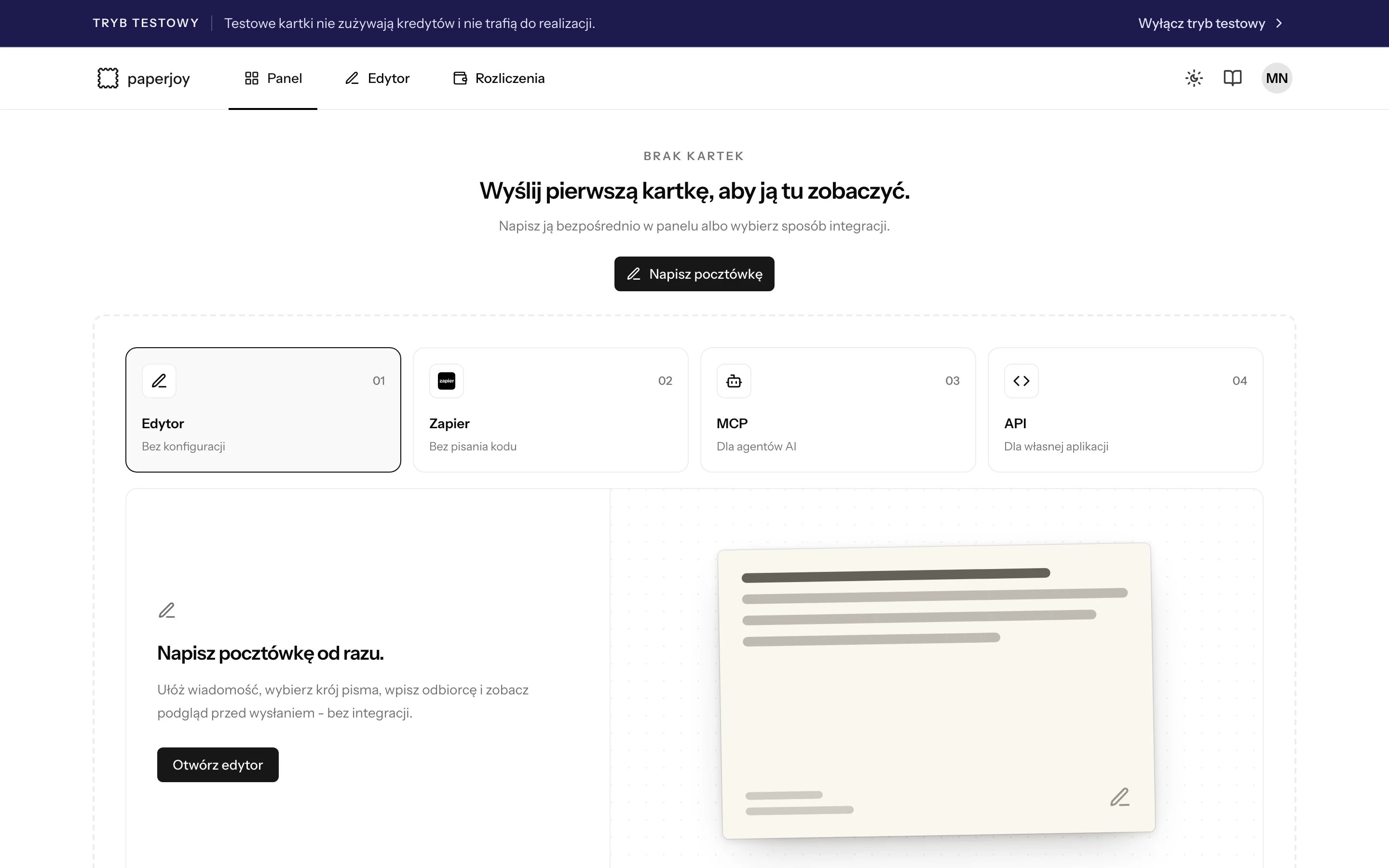
While test mode is on, a banner shows at the top of every page.
Turn test mode on or off
Open the account menu in the top right corner of the Paperjoy app and switch Tryb testowy (Test mode). To leave, use the same switch or click Wyłącz tryb testowy (Turn off test mode) in the banner. The switch changes what you see in the app and which kind of API key you create next. It does not change existing keys.Test each method
- Editor
- API
- Zapier
- MCP
Turn on test mode and open Edytor (Editor). The send button changes to Utwórz testową pocztówkę (Create test postcard).
What a test postcard does
Don’t wait for a test postcard to reach
sent. It stops at queued.
What is kept separate
Go live checklist
1
Turn off test mode
Use the account menu or the banner.
2
Add credits
Check your balance in Billing. Live requests fail with
402 when you have no credits.3
Create a live API key
It starts with
pj_live_. Store it next to, not instead of, your test key.4
Swap the key and send one real card
Send a single postcard to yourself and follow its status before you turn on bulk sending.