Retrieve one postcard
string
Where the postcard is in production. See Postcard statuses.
string | null
When the postcard was mailed, in ISO 8601.
null until the status is sent.string
The last time the status changed.
List postcards
data array holds the postcards on this page.
integer
default:"1"
The page to return, starting at 1. A page past the end returns an empty
data array.integer
default:"50"
How many postcards to return per page, from 1 to 100. A larger value returns
422 Unprocessable Content.string
data, the response has links with the first, last, prev, and next page URLs, and meta with current_page, last_page, per_page, and total. To read the whole list, follow links.next until it is null.
Know when a card is mailed
Paperjoy doesn’t send webhooks. To follow delivery, check each open postcard on a schedule:- Store the
idof every postcard you create. - Every few hours, retrieve the postcards that aren’t
sentorrejectedyet. - When
statusbecomessent, recordsent_atand stop checking that postcard.
In the app
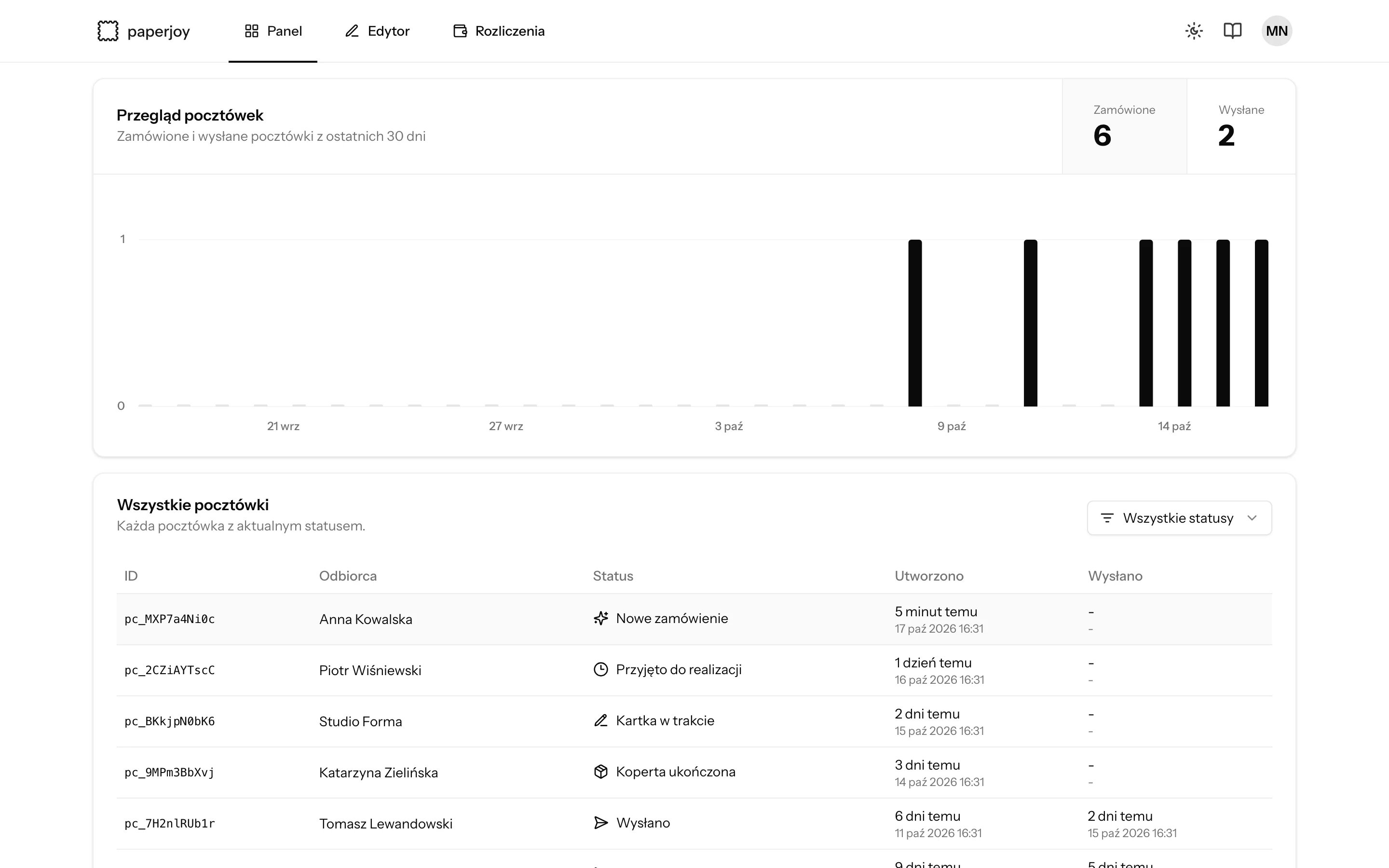
The Panel (Dashboard) shows the same postcards with their status, filterable by status. Click a row to see the card preview, the postcard ID, and the delivery address.