

Message
Line breaks
Use\n in JSON (or press Enter in the editor) to start a new line. A blank line (\n\n) adds space between paragraphs.
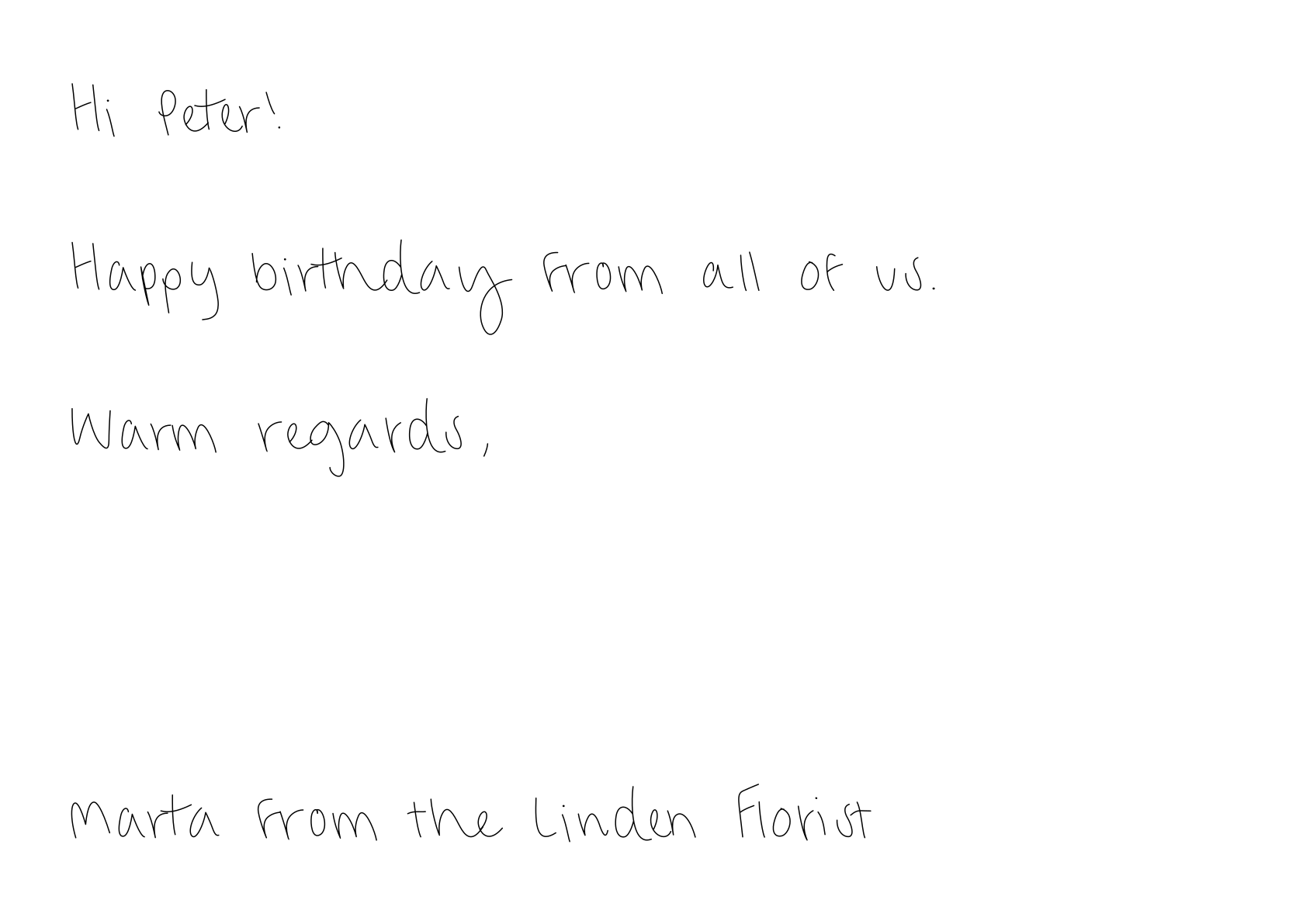
Make it fit
Paperjoy writes at the largest size that fits. Long messages are written slightly smaller, down to 75% of the normal size. If the text still doesn’t fit, Paperjoy rejects the postcard with a422 error instead of cutting your message:
Handwriting
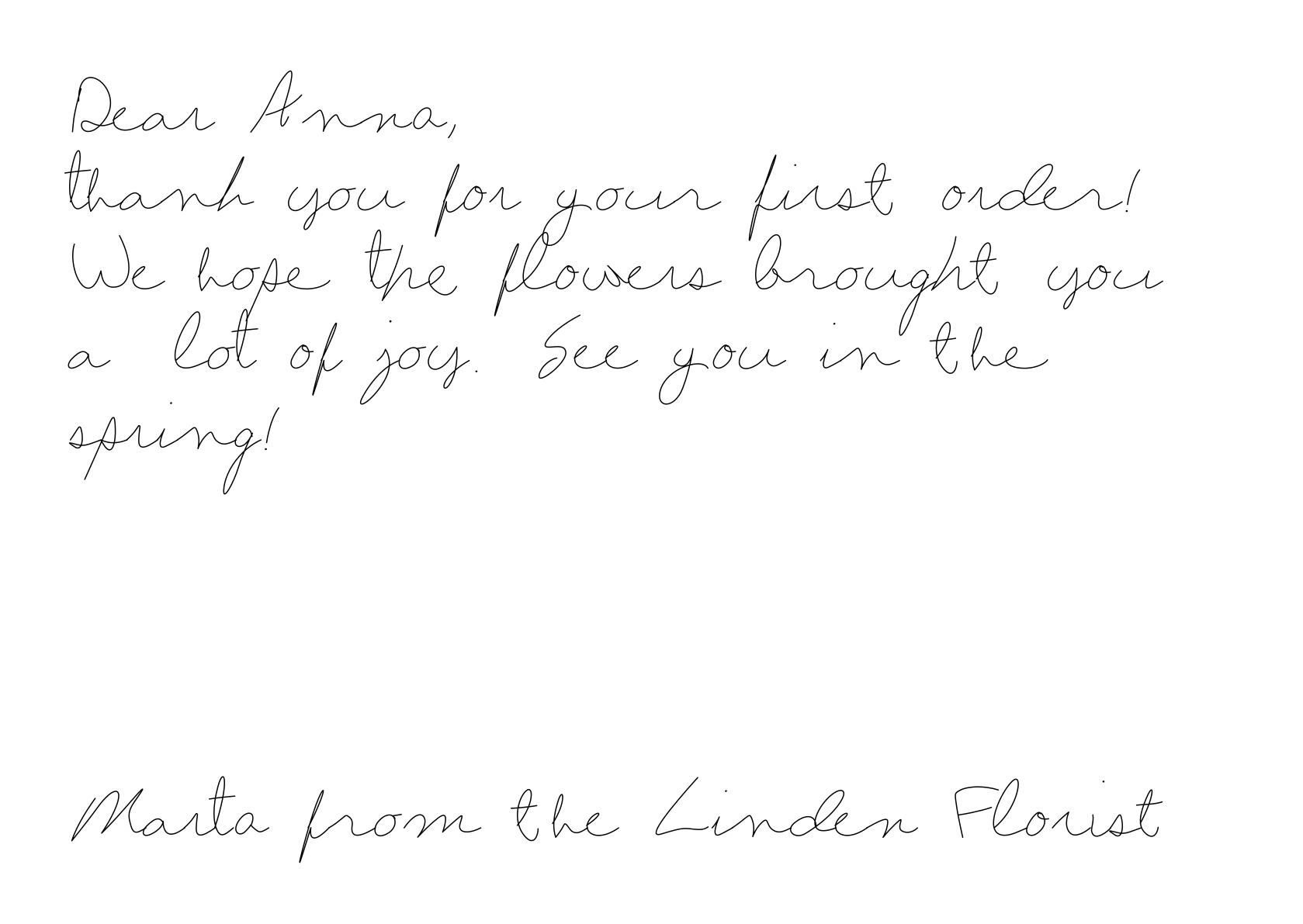
Choose the style withfont_id. Both fonts support Polish characters.
- font-1 · Standard
- font-2 · Fast
Clear, rounded, and easy to read. Called Standardowe in the editor.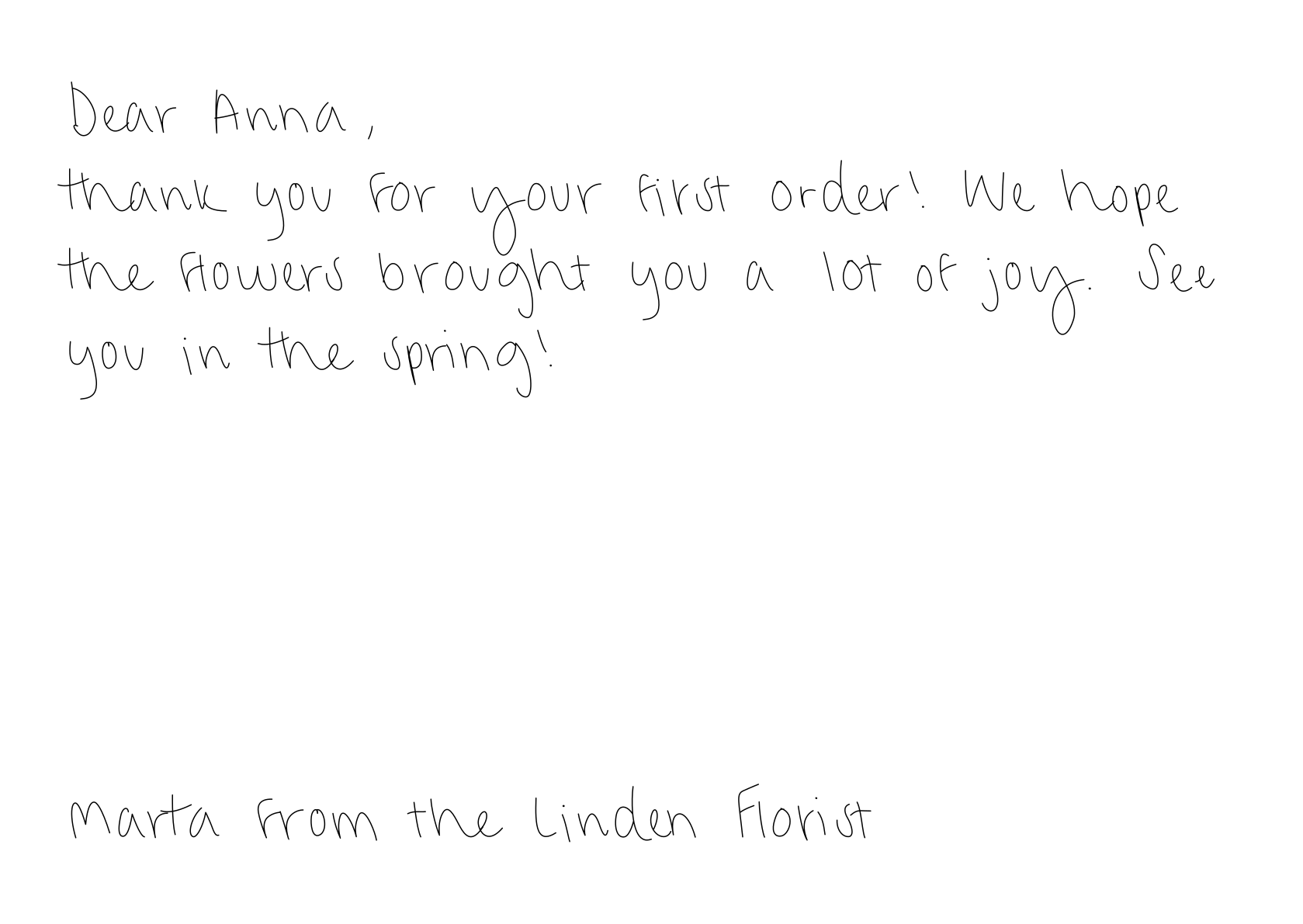
Natural mistake
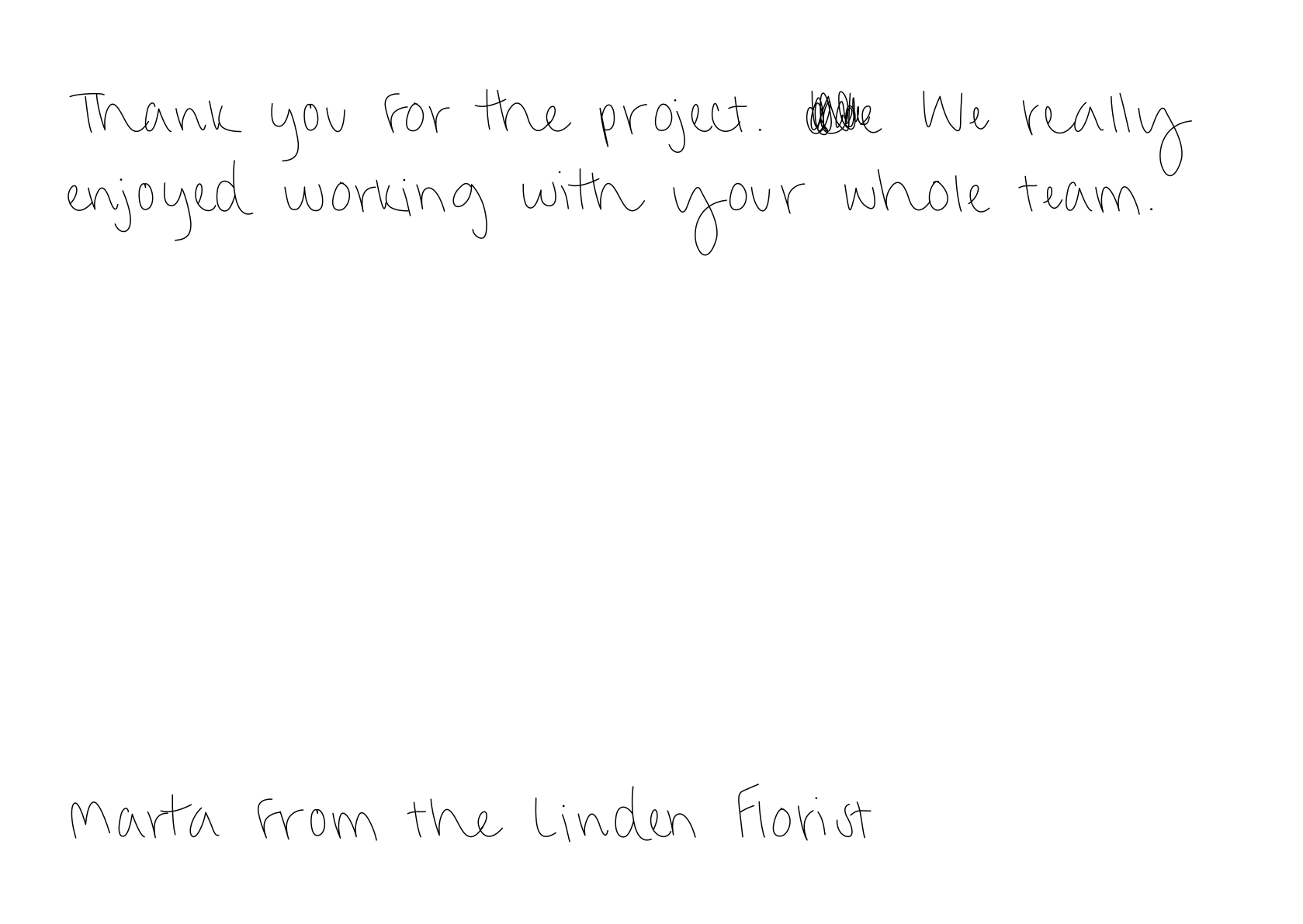
Set"mistake": true to cross out one word and write it again, the way people do when they write by hand. It makes the card feel less printed. The default is false.
Paperjoy picks the word from the message itself, so the same text always gets the same correction. Messages with a single word, or with no suitable word, are written without one.
Signature
Pick one of two kinds. You can’t send both on the same postcard.Typed signature
Send
signature with up to 50 characters. It is written on a single line in the same handwriting as the message, so it must fit on one line.Custom signature
Send
signature_id to use your real signature, traced from a scan. Available on Pro and Business plans.Writing tips
- Use their name. “Dear Anna” beats “Dear customer”. Map the first name from your CRM or form.
- Keep it to 2–4 sentences. Short notes look natural in handwriting and always fit.
- Say one specific thing. Mention the order, the meeting, or the anniversary.
- Skip links and codes. Nobody types a URL from a postcard. A short, memorable word works better.
- Stay friendly. Every message passes an automated content check. Offensive messages are rejected and the credit is returned.