


Plans
Compare plans in Billing. If you move to a plan with fewer signatures, the extra ones can’t be used on new postcards.
Add a signature
1
Scan your signature
Sign in dark ink on plain white paper and take a sharp, well-lit photo or scan. Crop it close to the signature. JPG, PNG, and WebP files up to 5 MB work.
2
Upload it
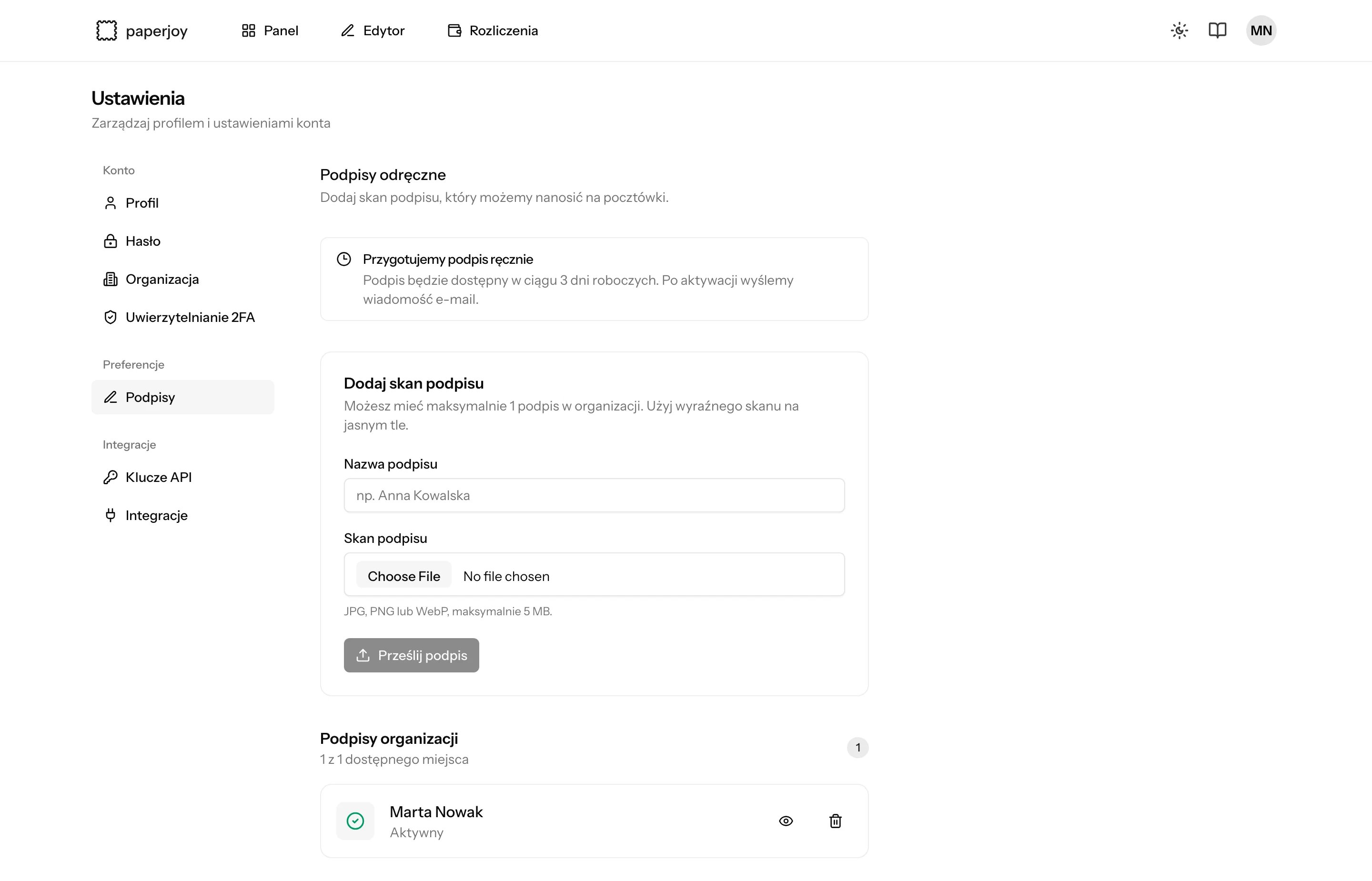
Open Ustawienia → Podpisy (Settings → Signatures). Enter a name, such as your own, choose the file, and click Prześlij podpis (Upload signature).
3
Wait for activation
We trace the signature by hand. It is ready within 3 business days, and we email you when it’s active.
Use it
- Editor
- API
- MCP
Under Podpis (Signature), open the Własny podpis (Custom signature) tab and pick your signature.
Delete a signature
Click the trash icon next to the signature in the app, or callDELETE /api/signatures/{id}. The signature disappears from the list right away and can’t be used on new postcards. Postcards that are already ordered are still signed with it. Paperjoy permanently deletes the signature and its files after 30 days.